Board chat, a board that fits your screen, and baseball
September 18, 2026
Three weeks into the season and the board page got most of the attention: a chat on every board, a layout that uses the whole screen, and winners you can follow quarter by quarter. Hosts running a whole season get fresh numbers every game, and baseball boards are here in time for October.
For everyone
Board Talk: a chat on every squares board
Tap the chat bubble near the top of any board. The host, approvers, and everyone with a square can post, anyone looking at the board can read along, and messages show up live for everybody who has the board open. Keep it short, 280 characters, and the host can delete anything or turn the chat off in Board Settings.
A board that fits your screen
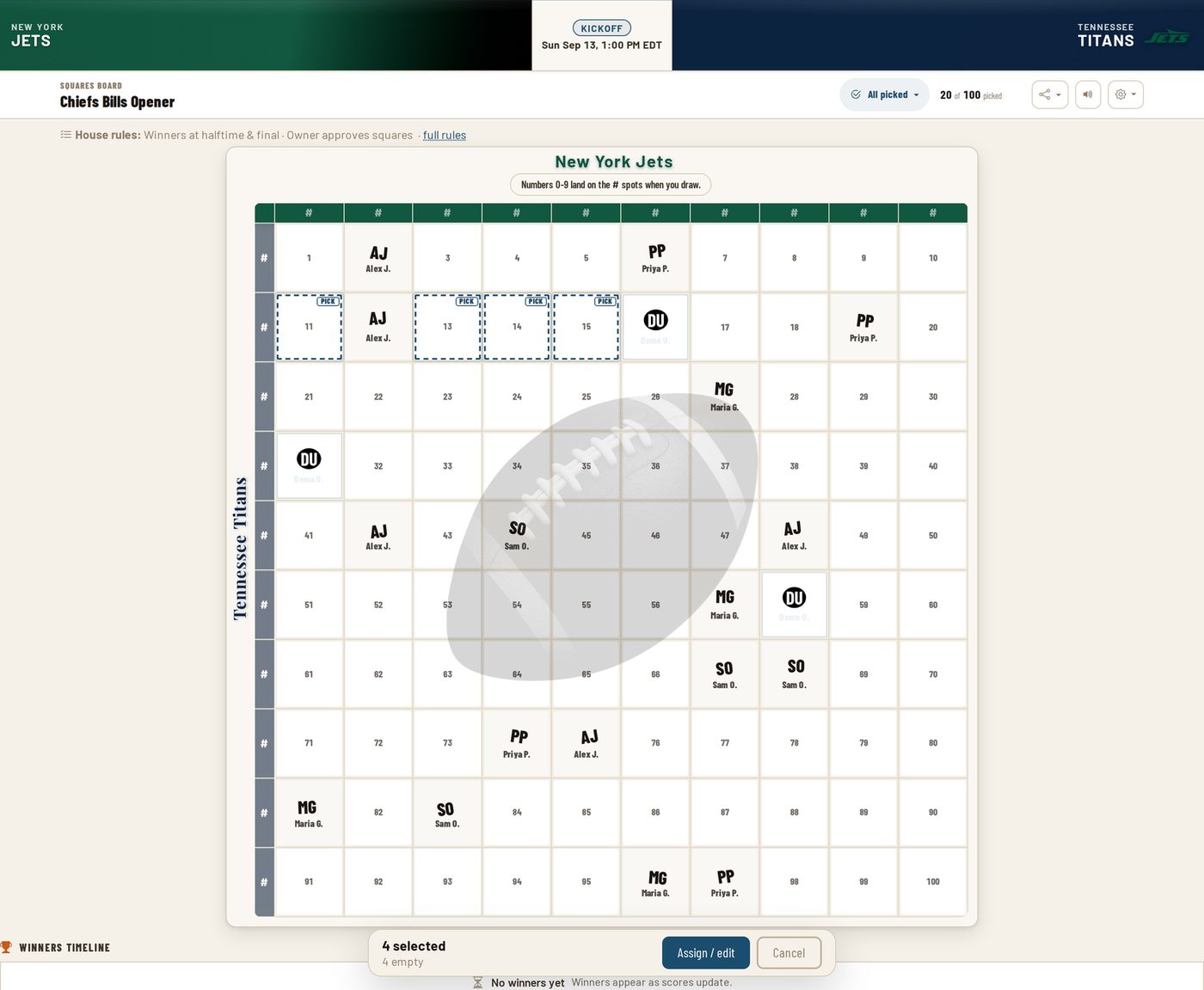
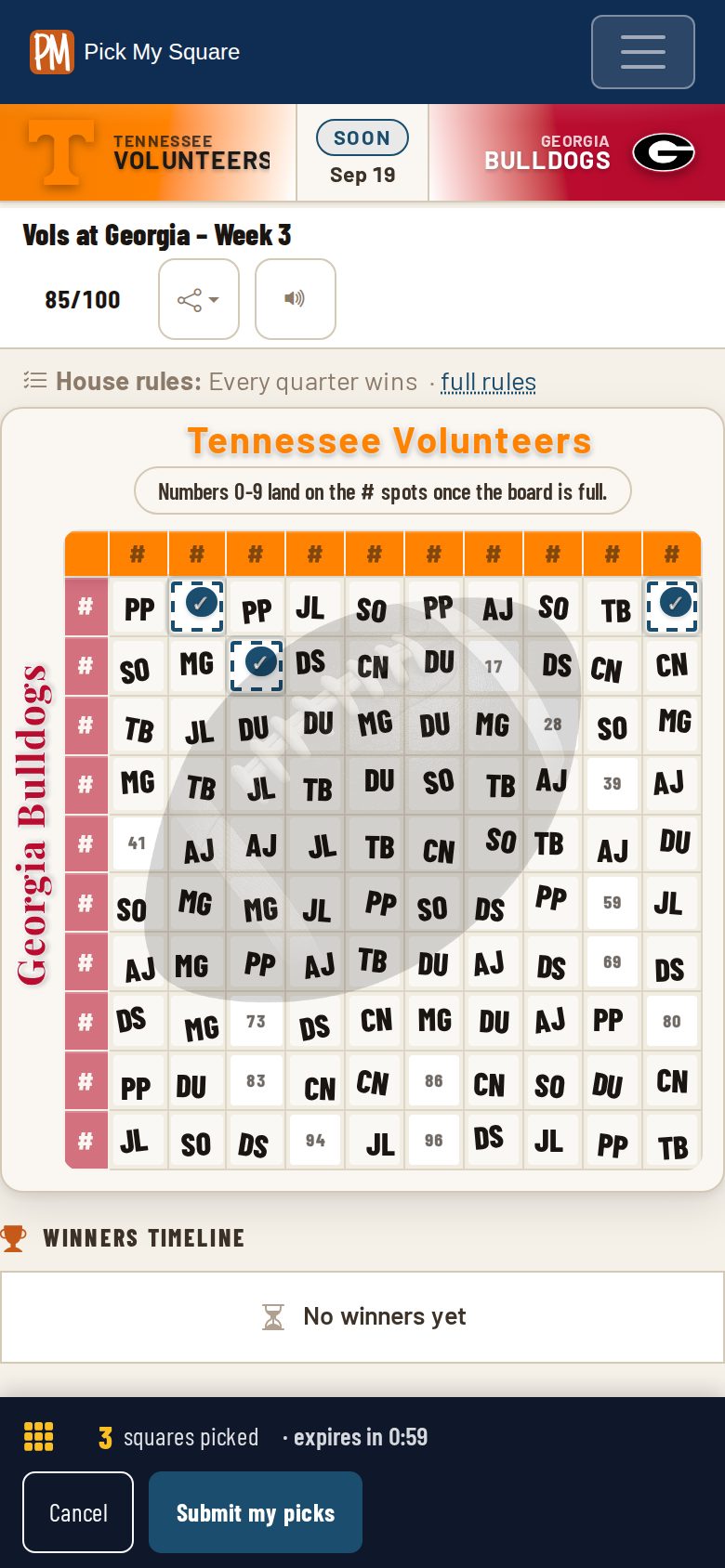
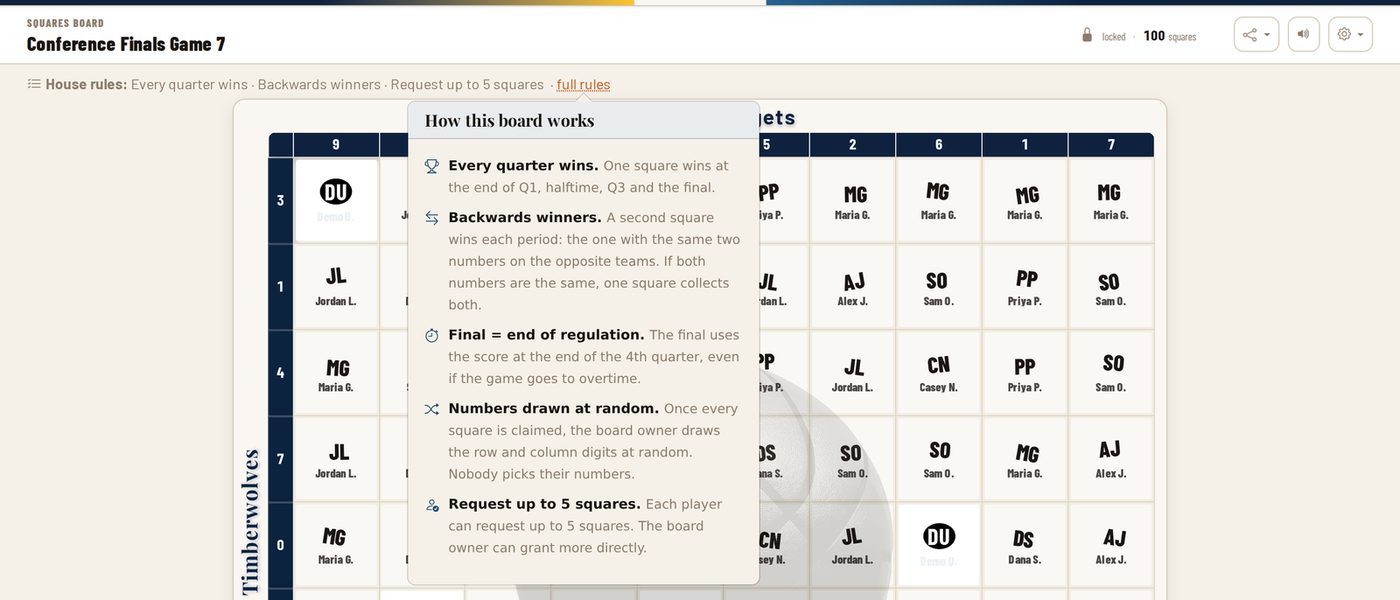
On a laptop or desktop the grid now sizes itself to the window, so the whole board is in view without scrolling, and the details, house rules, and owner tools sit in a column beside it instead of above it. On a phone the toolbar is one row, the team names never get clipped, and the kickoff time stays in the strip.
See who's here, and how long until kickoff
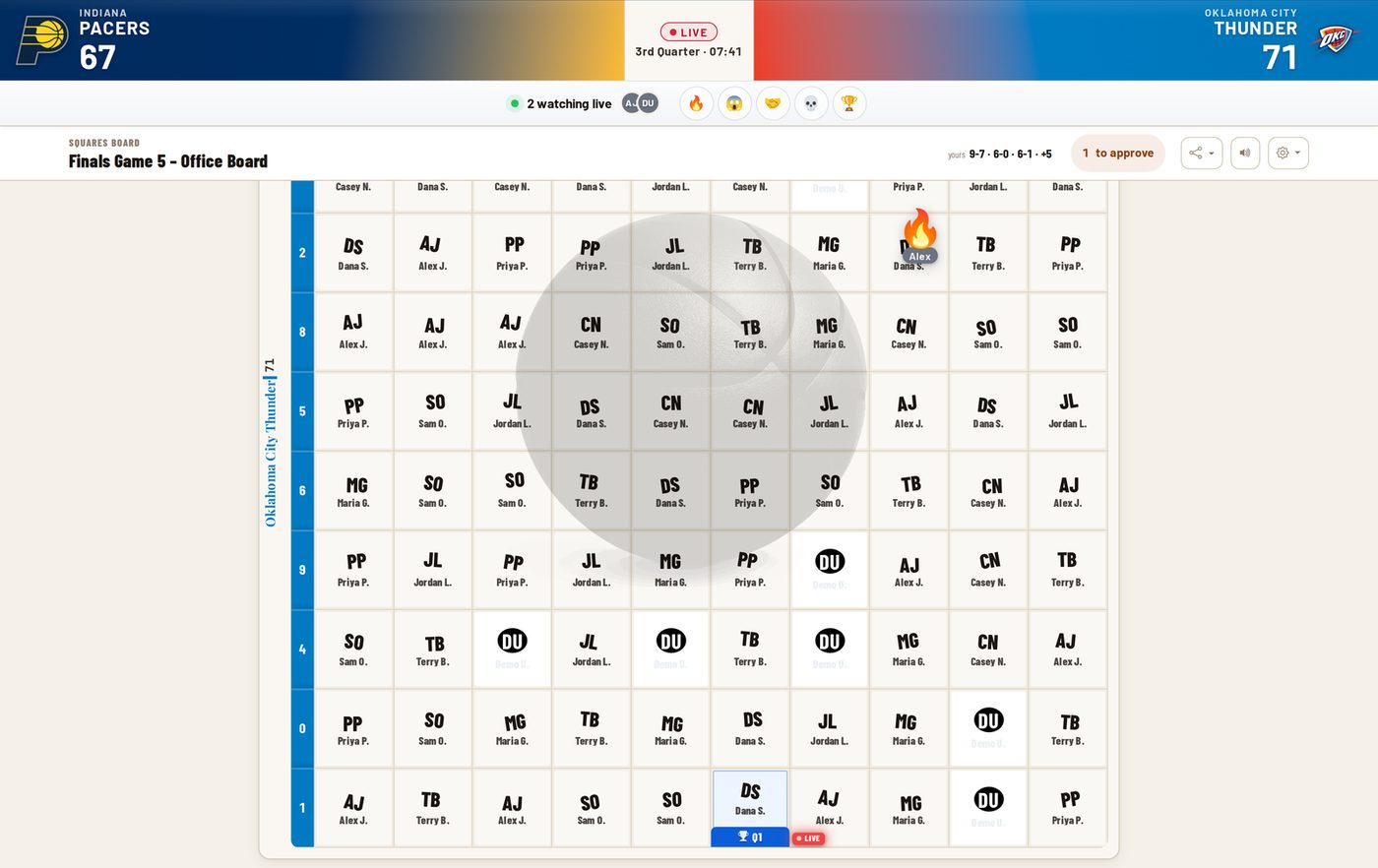
The reaction tray now shows the avatars of the people watching the board with you, and before a game starts the score slot in the header counts down to kickoff. At halftime the scores stay up instead of disappearing.
Weekly ad-free passes now start at $0.99
A weekly pass is $0.99 in a regular week, $1.49 during the NFL playoffs and the opening weekend of March Madness through the Sweet 16, and $1.99 for Super Bowl week and the Final Four. It removes ads for your own account through the end of the current week.
Tell us how it went
There's a new place for stories from people who have run a board or played on one, and the first two are up. If you ran a fundraiser, an office pool, or a watch party on PickMySquare, we'd like to hear what happened. Three or four sentences is plenty.
For hosts
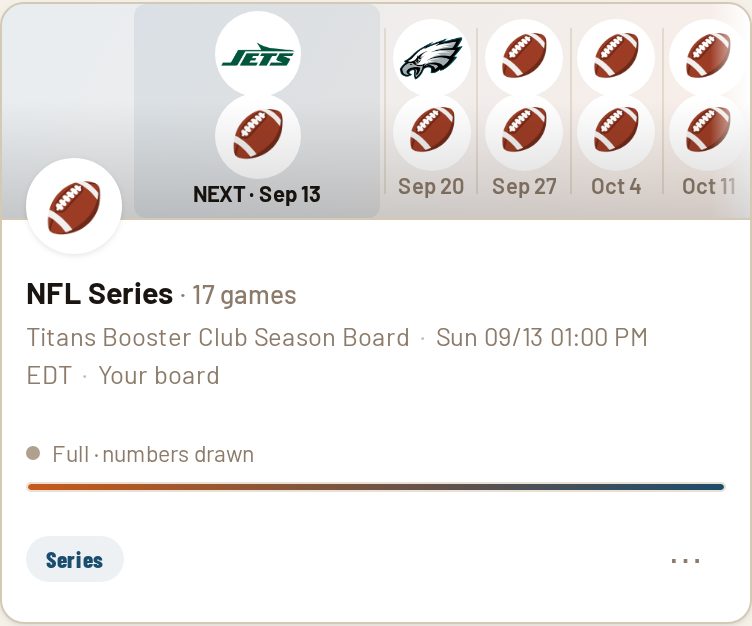
Series boards draw fresh numbers for every game
A series board now draws numbers one game at a time by default, so every week is a new set. Prefer one set for the whole season? Pick "Same numbers for the whole series" when you create the board, or change it from Manage games any time before the first draw. Squares nobody claimed become House squares that stay open, and a player who grabs one takes it over starting with the next game.
Fill the rest and draw
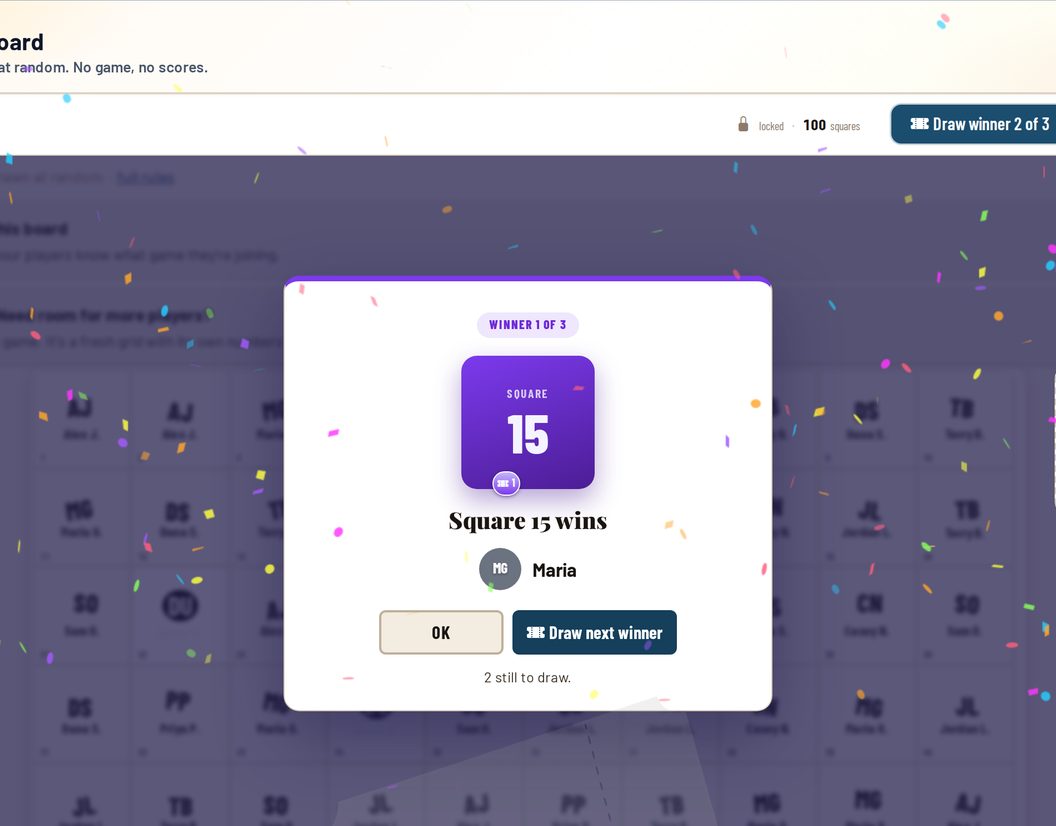
A board that won't quite fill no longer has to wait. Tap Generate Numbers and choose "Fill the rest and draw": the open squares go to House, to you, or to a name you type, and the numbers are drawn right then. Those squares stay put afterward, which is what keeps the draw fair.
Baseball boards, just in time for October
You can run a squares board on any MLB game now, and there's a one-tap preset that sets up the whole 2026 World Series as a series board. Baseball boards pay the final score only, and while a game is on the board shows the inning instead of a clock.
Find any game in one search box
The game picker on the create page is one list ordered by kickoff, every league together, with a search box at the top. Type a team and the game is right there, no league tabs and no cap on how many games show.
Sponsor your board for $25
Add a "Presented by" line to any board you run, with a sponsor name, a logo, and a link. That board goes ad-free for everyone who opens it, players included, for the life of the board. Set it up from Board Settings under Sponsorship.
For players
Winners, quarter by quarter
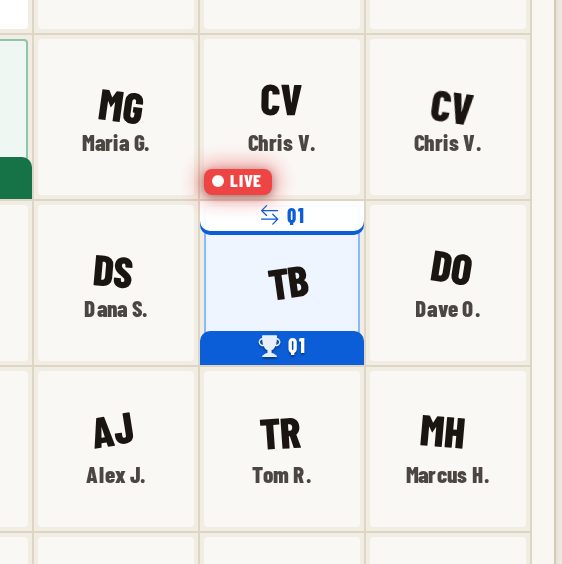
Under the grid, winners now run as a timeline with a stop for each period and a leaderboard of who has won the most. Your own squares are ringed and tinted so you can find them at a glance, every-score-wins boards show each score change as its own tab, and series boards group the winners game by game.